
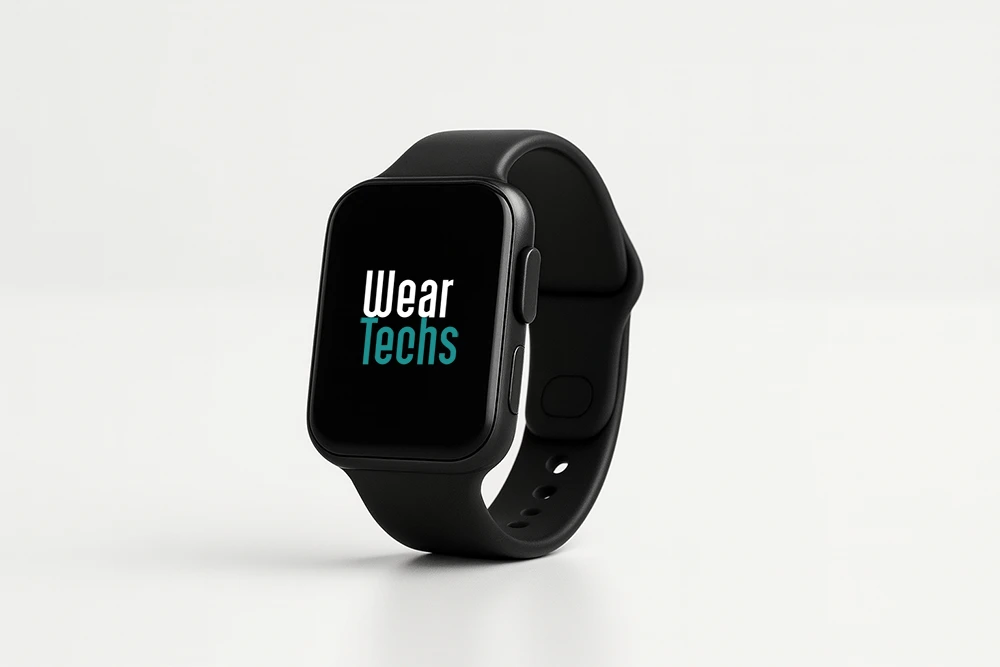
The Friendly Smartwatch Guide
Smartwatches are tiny computers on your wrist. They count your steps, track your heart rate, log your workouts and sleep, show notifications, and—if you want—let you leave the phone at home for a run with GPS and music. This guide explains what matters, what to ignore, and how to pick the right watch whether you’re a total beginner or already tracking splits and HRV.
What is a smartwatch (in plain English)?
Think of a smartwatch as a fitness tracker plus a mini phone. It’s a wrist-worn device with sensors (heart rate, motion, sometimes skin temperature and SpO₂), an app platform, and wireless connections (Bluetooth, Wi-Fi, GPS, sometimes LTE). It syncs to a companion app on your phone (iOS or Android) for deeper insights, backups, and settings.
Beginner takeaway: A smartwatch helps you move more, sleep better, and miss fewer calls.
Power user takeaway: It’s a sensor hub with exportable data, third-party apps, and often ECG, training load, and mapping.
How smartwatches work (and why wrist data isn’t junk)
Inside every watch is an optical sensor (PPG) that estimates heart rate and HRV by shining light into capillaries. A 3-axis accelerometer and gyroscope recognize movement, steps, and sleep/wake patterns. Many models add GPS for route/pace, barometer for elevation, skin temperature for nightly trends, and SpO₂ for sleep oxygen estimates. Some offer ECG spot checks and fall detection.
Accuracy tip: snug fit above the wrist bone, clean skin/sensors, and consistent wear—especially at night—beat any single “accuracy spec.”
Key things smartwatches do well
1) Health & sleep
- Heart rate & HRV trends to understand stress and recovery.
- Sleep tracking with duration, efficiency, and stage estimates (Light/Deep/REM). Treat stages as trends, not lab results.
- Alerts like high/low heart rate, irregular rhythm notifications (varies by model), and menstrual cycle insights tied to temperature trends.
2) Fitness & training
- Built-in GPS for pace, distance, route, elevation.
- Workout modes (running, cycling, strength, pool/open-water swim, HIIT, yoga, and more).
- Training load & VO₂max estimates to balance hard/easy days and avoid overtraining.
- Guided workouts & coaching from beginner 5Ks to structured intervals.
3) Everyday convenience
- Notifications (filter by app), contactless payments (NFC), music storage/streaming, voice assistants, maps, and fall/SOS features.
- LTE options on some models for calls/texts without your phone.
Ecosystems (this matters more than you think)
- iPhone users: Apple Watch offers the tightest integration (messages, calls, App Store, Fitness+).
- Android users: Wear OS watches (e.g., Google/Samsung) pair best with Android and integrate deeply with Google Fit/Samsung Health.
- Sport-first users (any phone): Performance brands focus on battery life, multi-band GPS, and training metrics; their phone apps run on both platforms.
Rule of thumb: Pick the ecosystem you’ll use daily. A slightly “weaker” watch in the right ecosystem usually beats a “stronger” watch in the wrong one.
Battery life & charging
Batteries range from 1–2 days (feature-rich, bright displays) to 7–20+ days (endurance/sport watches). Fast charge can add a full day in ~30 minutes on some models.
Reality check: Always compare real-world battery with your features on (GPS, always-on display, LTE, music).
Durability & comfort
Look for 5–10 ATM water ratings (pool swim ready), Gorilla Glass/sapphire for scratch resistance, and comfortable straps for sweat and sleep. If you lift weights or climb, low-profile cases are less likely to bang into bars and holds.
Data, privacy & ownership
Skim the privacy section in the companion app on day one:
- Turn off sharing you don’t want.
- Enable Apple Health/Google Fit sync and data export if you plan to analyze trends elsewhere.
- Set up auto-backups so changing phones doesn’t nuke your history.
Smartwatch vs. smart ring (quick compare)
- Rings are best for sleep & recovery trends with week-long battery and zero screen.
- Watches win at workout depth, GPS, maps, controls, and notifications.
- Many people use both: ring at night, watch for training/daytime smarts.
Buying guide: choose like a pro (without overthinking)
- Start with your phone. iPhone → strongly consider Apple Watch; Android → Wear OS/Samsung; heavy training → sport-centric brand.
- Define your goal.
- “Move more & sleep better” → Any modern watch with good app and battery.
- “Train for performance” → Multi-band GPS, training load, recovery metrics, long battery.
- “Phone-free runs” → GPS + music + optional LTE.
- Check battery reality. Days you’ll actually get with your settings.
- Comfort matters. Case size and weight (small wrists and long runs benefit from lighter watches).
- Health features you’ll use: ECG spot checks, irregular rhythm alerts, temperature trends, cycle tracking, fall detection—nice, but only if you’ll act on them.
- Payments & transit. If you tap to pay or use transit cards, make sure your bank/city is supported.
- Price & total cost. Hardware + optional subscription services (coaching, maps, advanced analyses).
- Future-proofing. Look for OTA updates, active app ecosystem, and replaceable straps/chargers.
Beginner setup (15 minutes to better data)
- Wear the watch snug above the wrist bone.
- Enable sleep tracking and do not disturb at night.
- Pick 3–5 key metrics to watch weekly (e.g., resting HR, HRV trend, training load, sleep duration, long run pace).
- Turn on auto-pause for runs and auto-lap if you like splits.
- Add emergency SOS contacts; test tap-to-pay once.
- Disable noisy notifications (leave calls + messages; mute the rest).
For the slightly nerdy
- HRV (RMSSD) at night is more stable than daytime readings. Compare you vs. you across weeks.
- Multi-band GPS improves accuracy in cities and forests.
- Training load is more useful than any single workout: aim for consistent, progressive volume.
- Strain vs. recovery: pair hard days with easy days; watch resting HR/HRV and sleep efficiency for early fatigue signals.
Common mistakes to avoid
- Chasing perfect sleep stages—they’re estimates. Track timing and duration first.
- Wearing the watch too loose (leads to jumpy HR).
- Ignoring battery with always-on + LTE + music + max brightness.
- Buying for features you won’t use (like golf maps when you don’t golf).
FAQs
Do I need LTE?
Nice for safety and phone-free runs, but it drains battery faster and costs a monthly fee. Most people do fine without it.
Can a smartwatch diagnose medical issues?
No. These are wellness tools. Use them for trends and talk to a clinician about symptoms.
Are Apple Watches only for iPhone?
Yes—full features require an iPhone. Android users should choose Wear OS/Samsung or a sport-focused brand that supports Android well.
How durable are they for swimming?
Look for 5–10 ATM and a swim mode. Rinse after salt water; avoid extreme sauna temps unless the brand says it’s safe.
Bottom line
Pick the smartwatch that fits your phone, your goals, and your battery expectations. Wear it consistently, watch weekly trends, and let the watch nudge—don’t nag—your habits. Do that, and a smartwatch becomes less of a gadget and more of a quiet coach on your wrist.

Apple Watch 11
The Latest Apple Watch (Series 11) Guide The Apple Watch Series 11 builds on everything people like about Apple’s smartwatch—tight iPhone integration, polished fitness features, deep health tracking—and refines it with a brighter, tougher display, smarter coaching in watchOS, and improved battery stamina. If you’re choosing your first Apple Watch…

Apple Watch Ultra 3
Apple Watch Ultra 3: The Rugged, Long-Haul Apple Watch The Apple Watch Ultra 3 is the big, tough Apple Watch built for long days outside—trail runs, ocean swims, alpine hikes, and everything in between. It keeps the everyday smarts of an Apple Watch (calls, messages, Apple Pay, music, maps) but…

Samsung Galaxy Watch7
Samsung Galaxy Watch7 The Samsung Galaxy Watch7 is Samsung’s mainstream smartwatch for Android users. It mixes polished Samsung Health features, helpful Galaxy AI coaching cues, and a comfortable design you can wear day and night. If you’re choosing your first smartwatch—or upgrading from an older Galaxy Watch—this guide explains what’s…
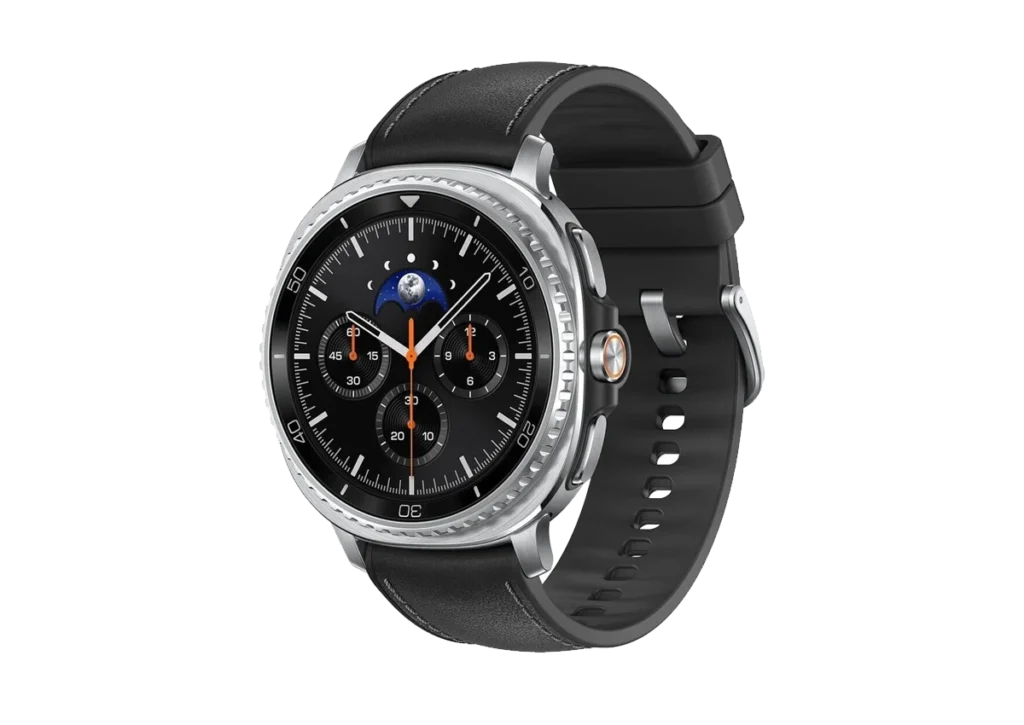
Samsung Galaxy Watch8
Samsung Galaxy Watch8 Classic The Samsung Galaxy Watch8 is a comfortable, everyday smartwatch for Android users who want reliable health and fitness tracking, tidy Samsung Health insights, and practical extras like payments, music and maps. Below you’ll find what’s genuinely new, how it feels to wear, and the smartest way…